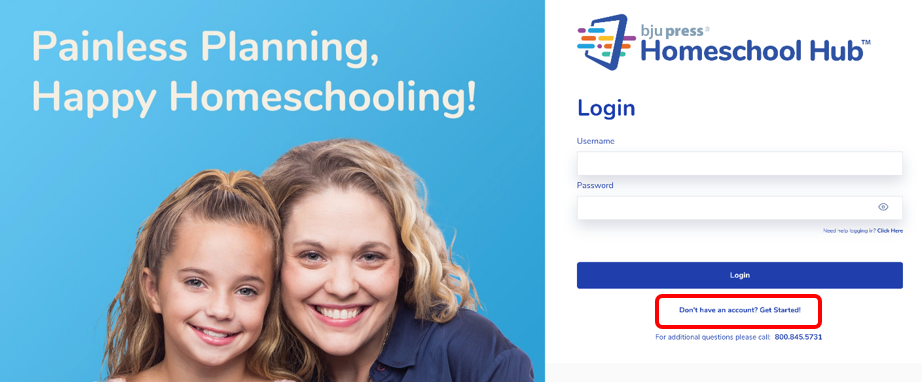
To begin using the Homeschool Hub, parents should visit homeschoolhub.com. To create an account on the Homeschool Hub, select Get Started.
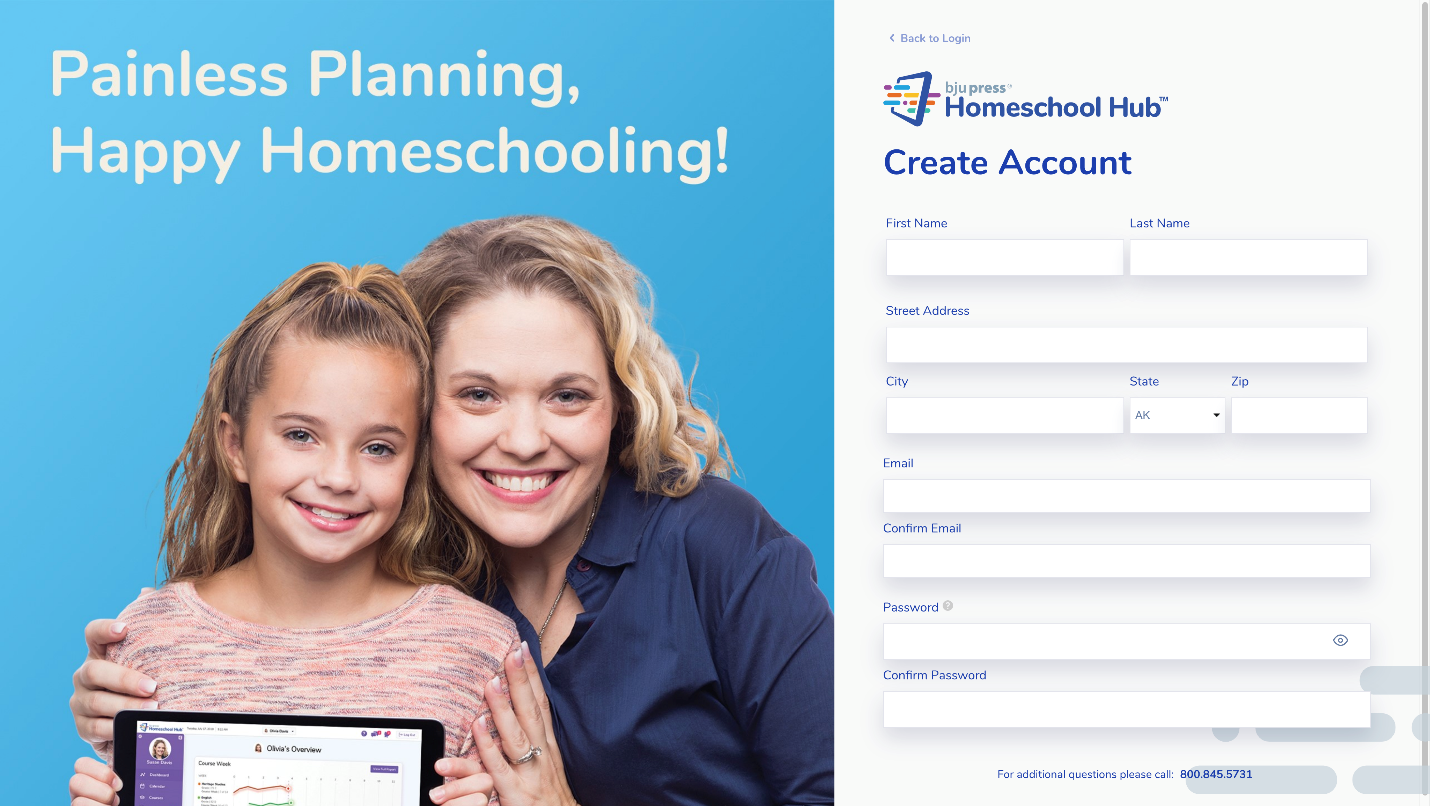
This takes you to the Create Account page. Here you can fill out your information and create a password.
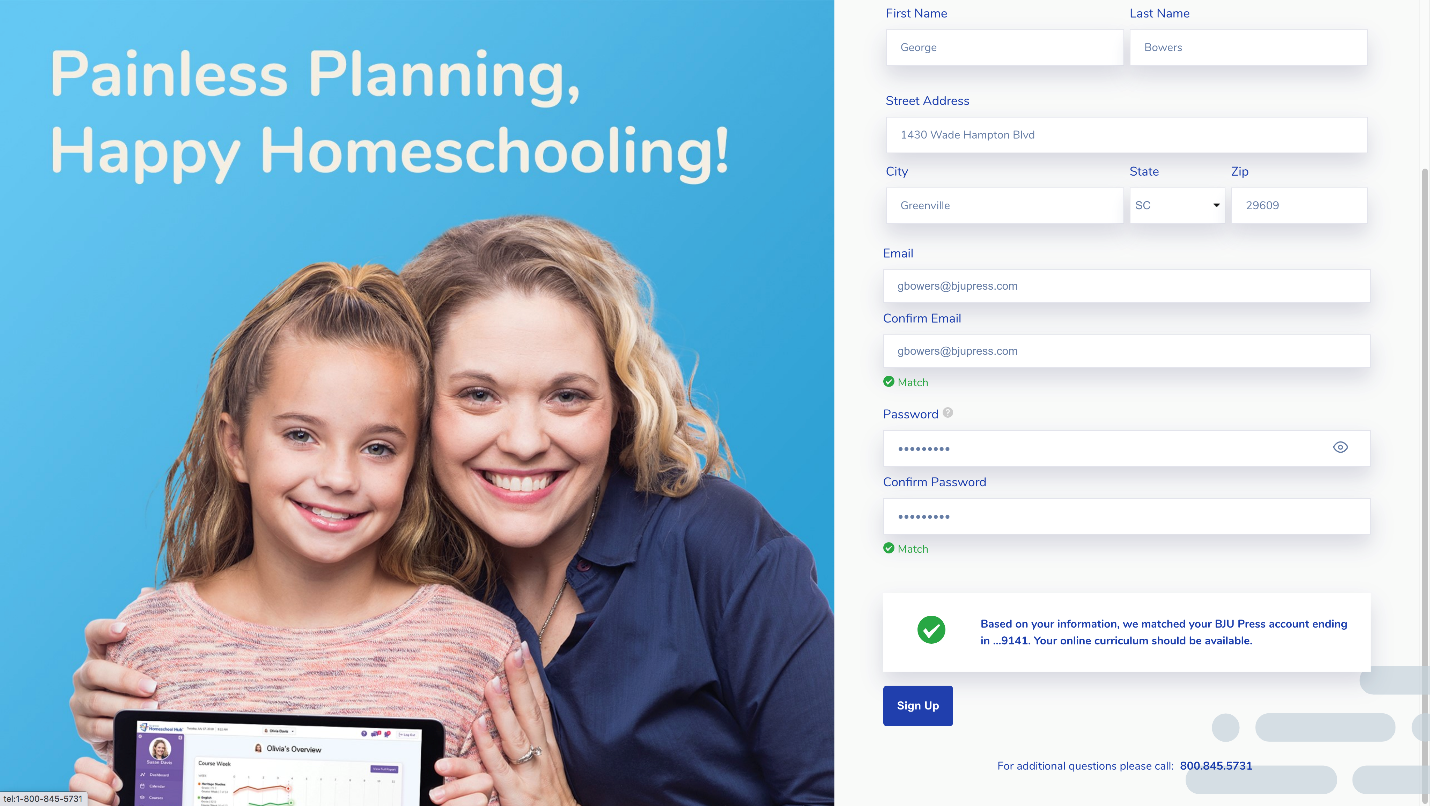
If you have ordered materials from BJU Press within the last 2 years, the system will link your account. A message should appear stating that your two accounts have been matched to your BJU Press account.
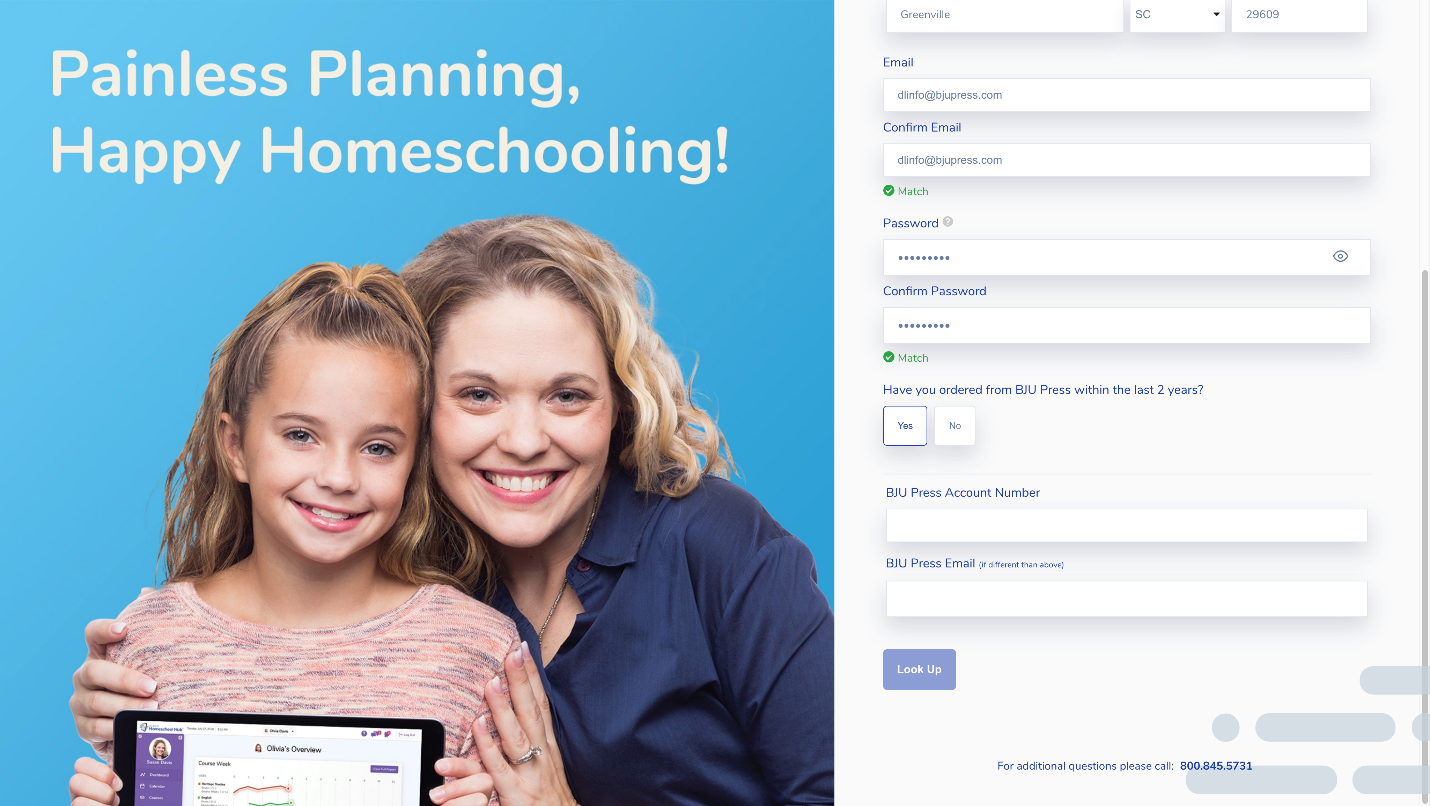
If the system does not recognize the information entered, you will have the option to select whether you have used BJU Press materials in the last 2 years. If you select Yes, you can manually enter your account number and email address associated with this account. After entering in this information, select Look Up to find your account. If you have additional questions throughout this process, contact Customer Service at 800-845-5731.
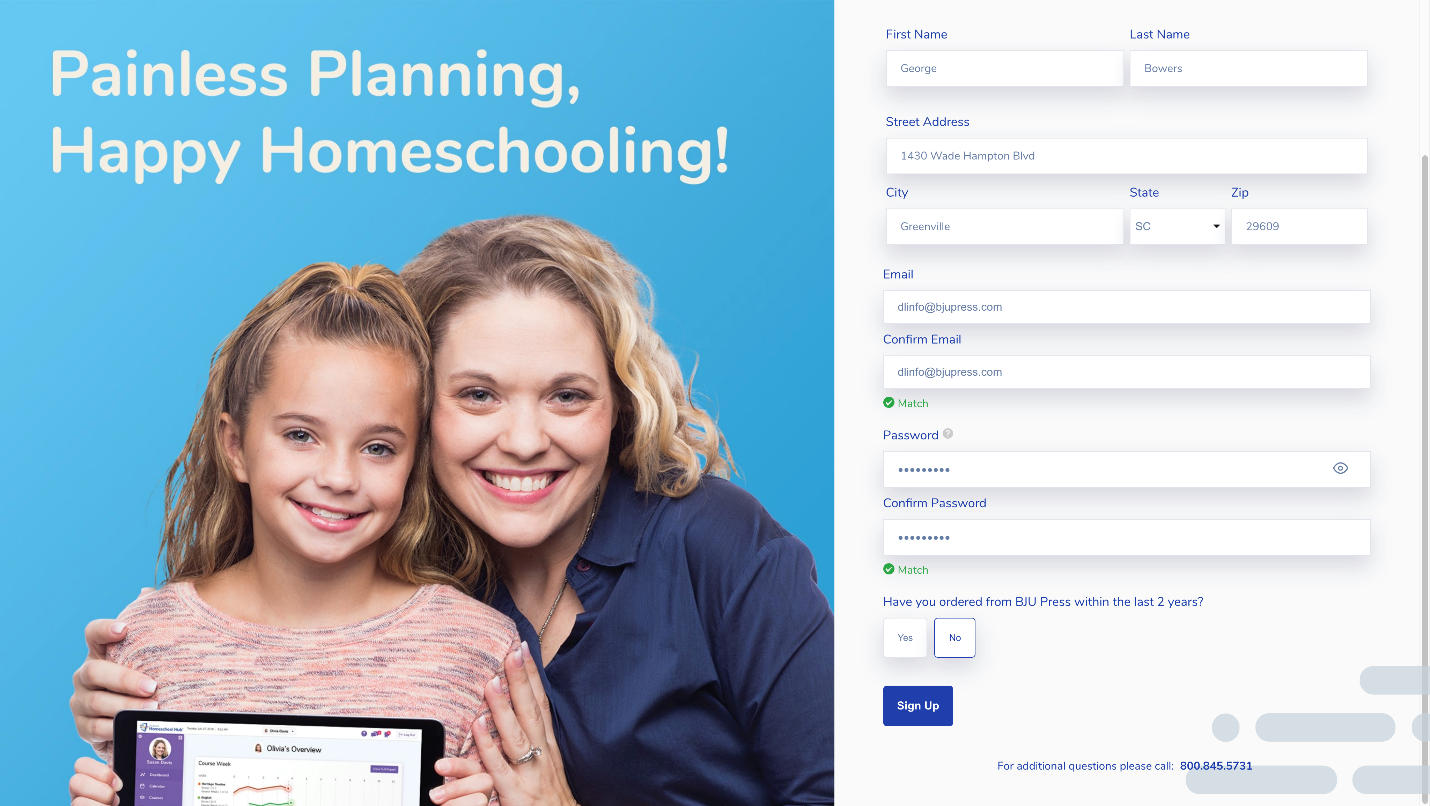
If you have not created an account with BJU Press, select No. Then click Sign Up.