The Calendar Page allows you to add events and reschedule lessons.
Calendar Navigation
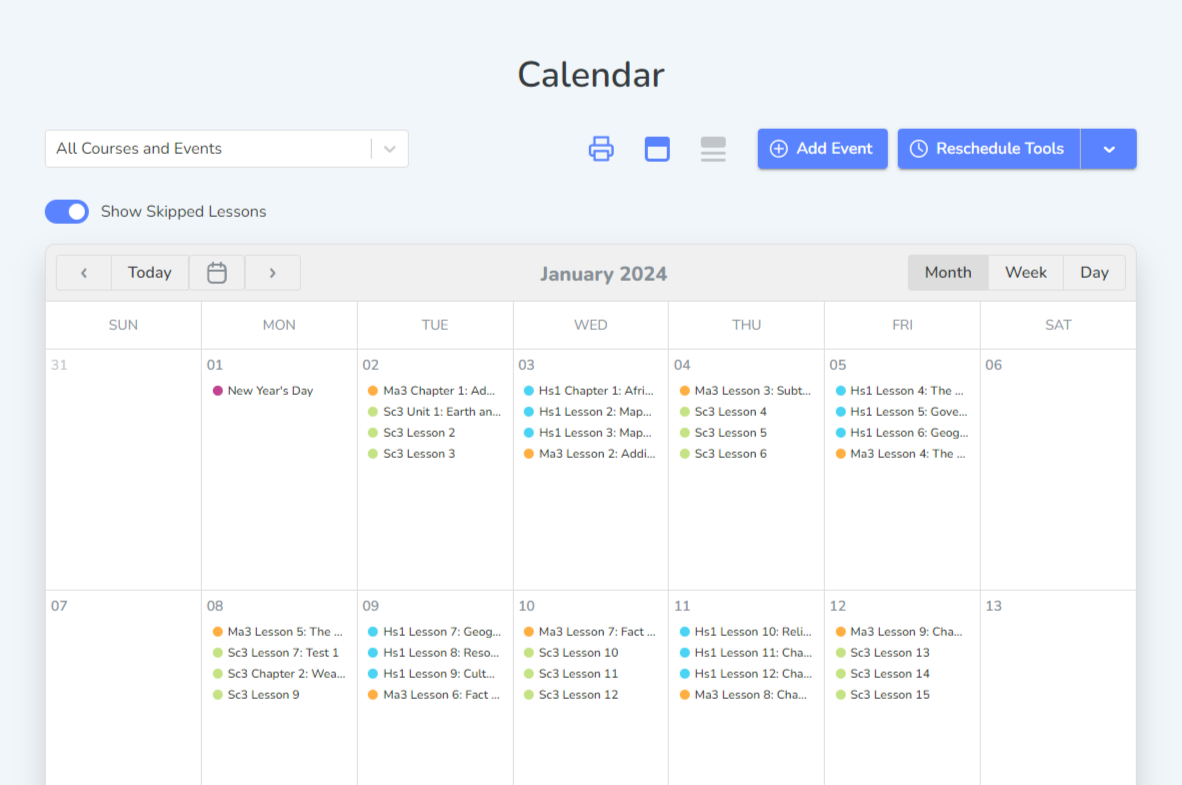
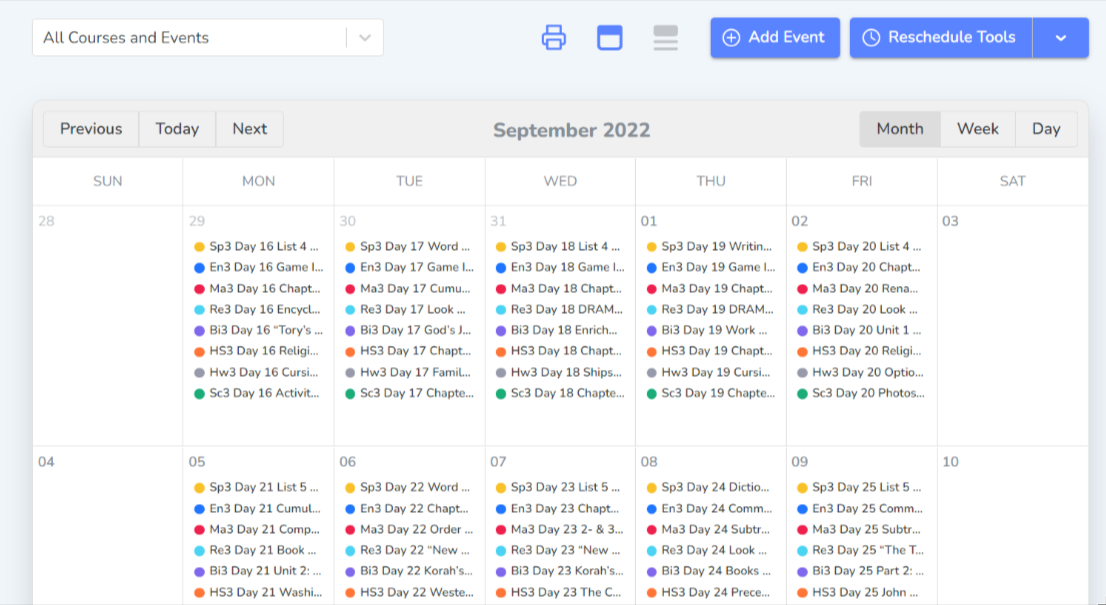
View the Calendar by month, week, or day.
You can also use the buttons next to the print icon to see the full calendar view or the agenda view.
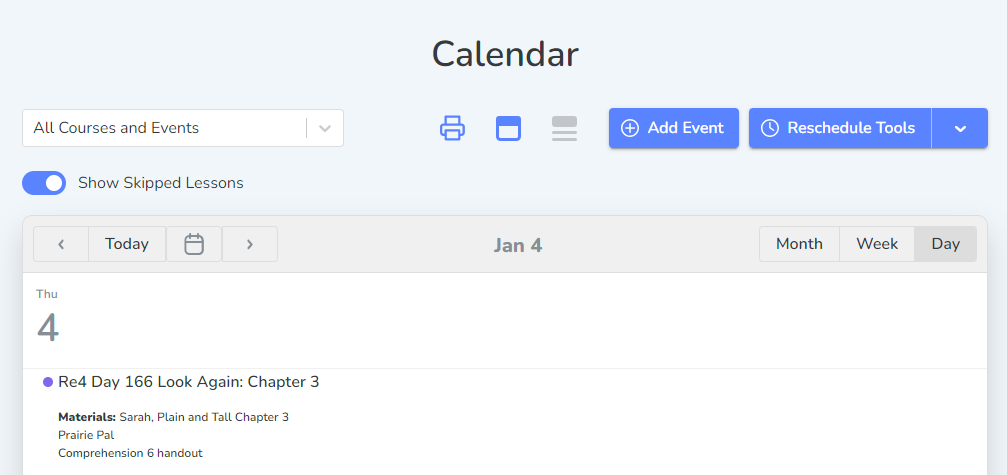
Calendar View
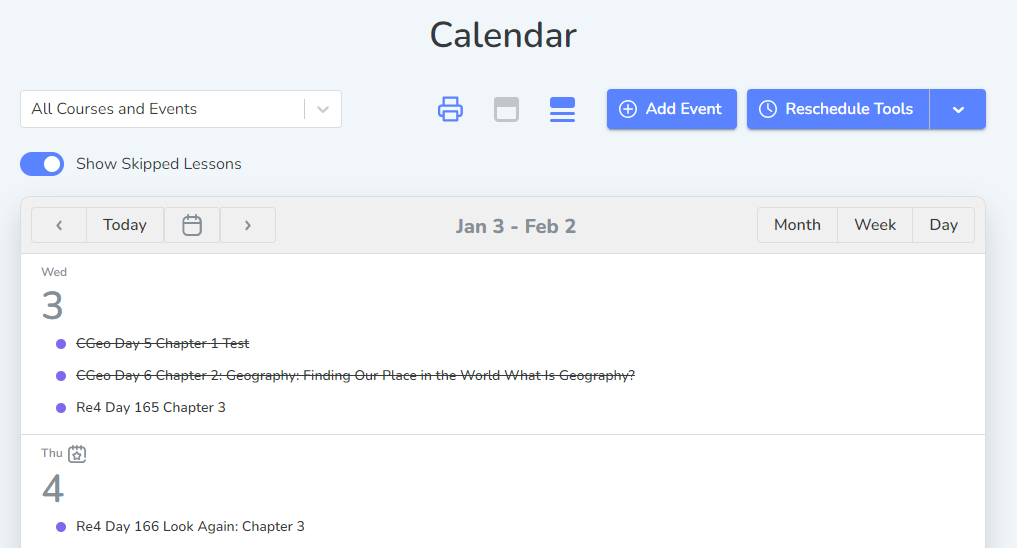
Agenda View
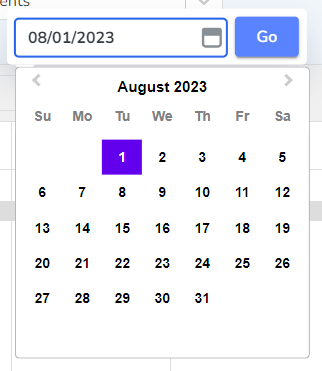
Move to the next or previous date(s) by using the arrow buttons. Select the calendar icon to select a particular date several months away. Select “Today” to be taken back to today’s view of the calendar.
Printing in the Calendar
Select the print icon to bring up a menu with the printing options.
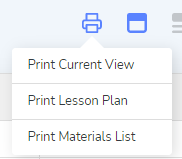
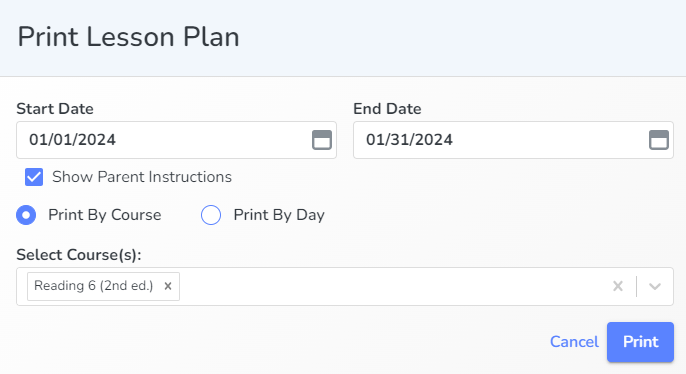
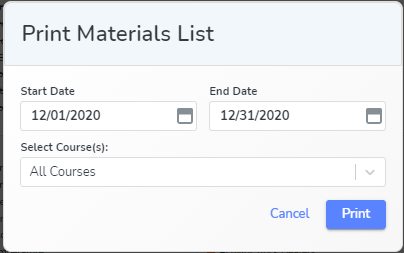
Selecting Print Lesson Plan and Print Materials List opens a new window that allows you to select the date range, and course(s) you would like to print. In the Print Lesson Plan box you can select how the information is arranged by course or by day and if you want the Parent Instructions included.