The left menu provides navigation to Students, Teachers and Settings by default. Additional features are available when configured by BJU Press.
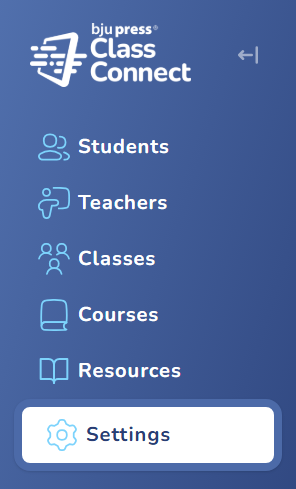
Classes and Courses – When your organization has been configured for course purchasing, these two menu items are available.
Resources – When your organization has been configured for accessing resources, the menu item is available for Admins. Teachers will have access to resources when assigned a course.
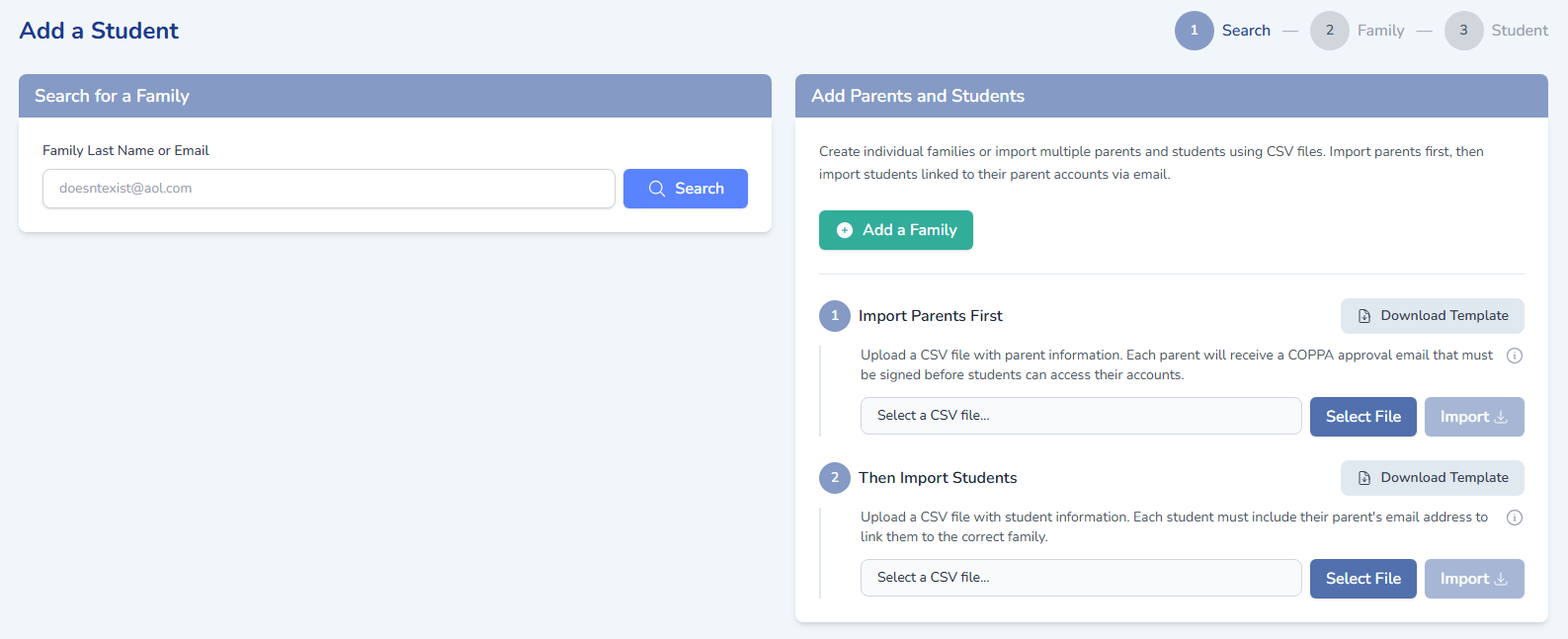
Add Students – When your organization has been configured to manage students, on the Students page, there will be an Add a Student button to add parents and students. Organizations will also have full access to manage students and set additional parent access.