From the Courses page you will find the courses assigned to you. Late lessons will show up as an alert on the course card.
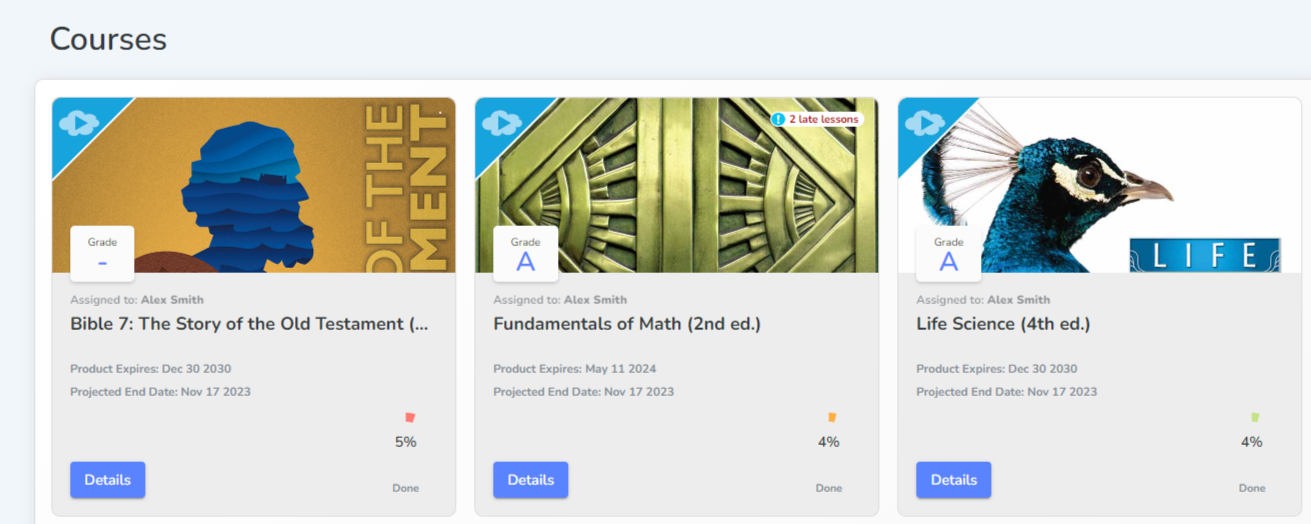
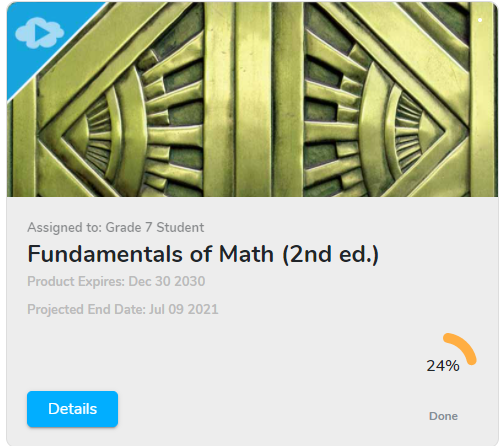
Percentage of the course completed
Any late lessons will show up as an alert on the course card.
Course Page
To view a course, click on the course card or the Details button.
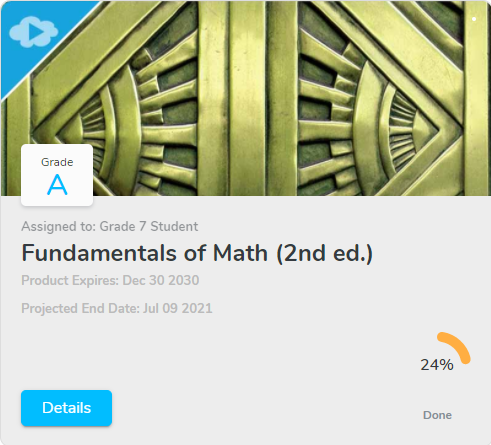
If your parent or teacher gives you access to view your grade, it will show up on the course card.
The Course page has a Course Overview section at the top. From this page you can resume where you left off, view a particular lesson, or read information about the teacher of the course.
Click View Lesson to be taken to that lesson page.
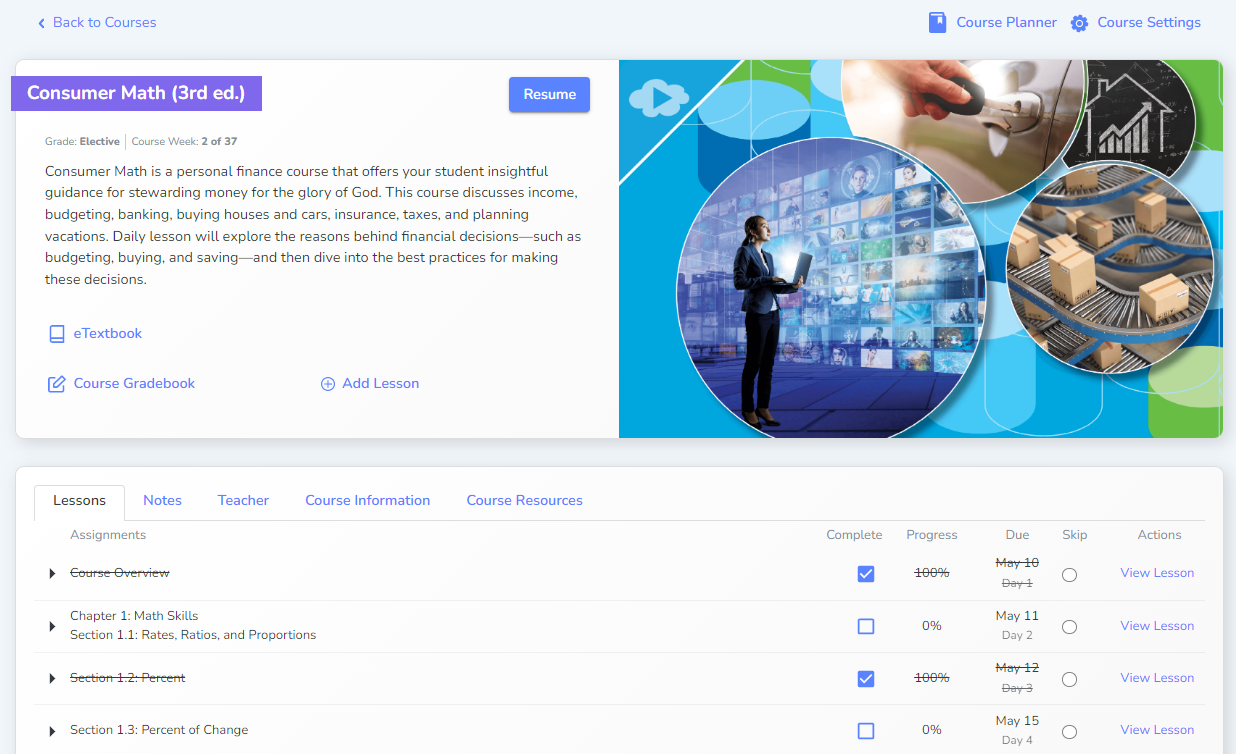
You can still view a completed lesson under the Actions column.
Click Resume to go to current lesson.