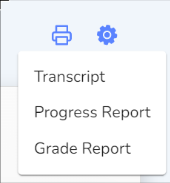
Click the View Gradebook button to be taken to the course gradebook. The Gradebook page includes visual charts that give an overview of each student’s courses.
Course Gradebook
Adjust the grade scale and weight categories by clicking the Grade Settings.
The Course Gradebook shows a breakdown of the grades by category.
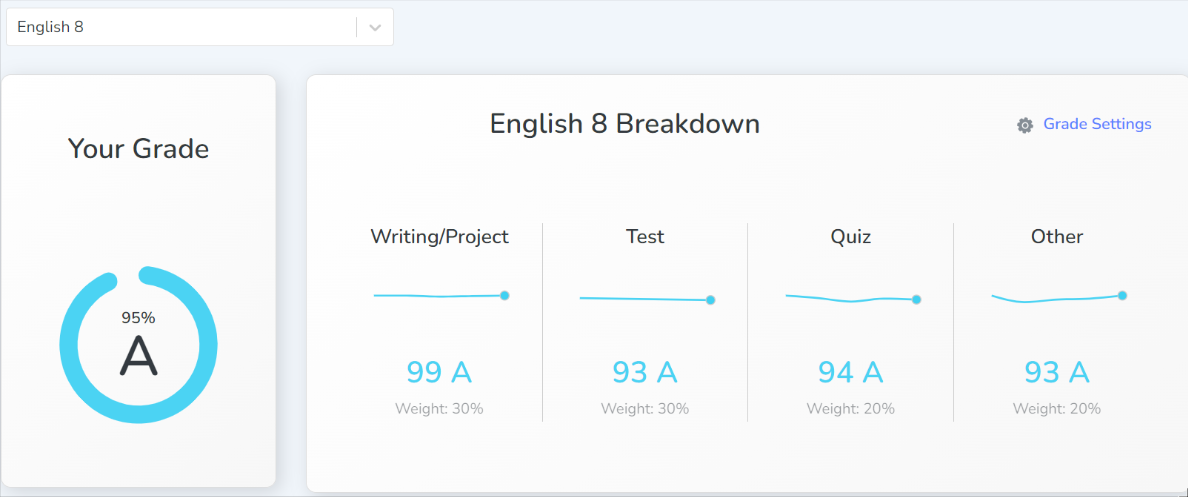
Select a course to view.
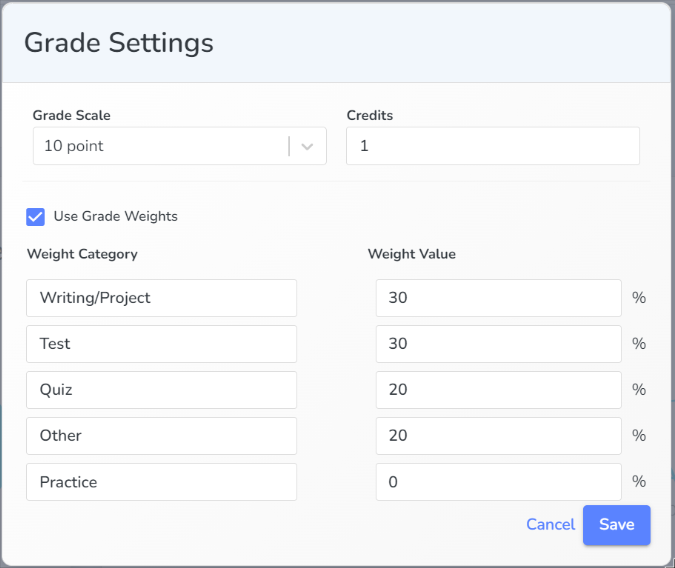
Choose a Grade Scale. Turn off weights by deselecting Use Grade Weights. Adjust weight category names and values as needed. Click Save.
All Grades
Filter, search, skip, unskip, or review assignments in the All Grades box. Next to completed assignments the answer key is available to view by clicking Key. These options are available for both the Graded and Ungraded assignments.
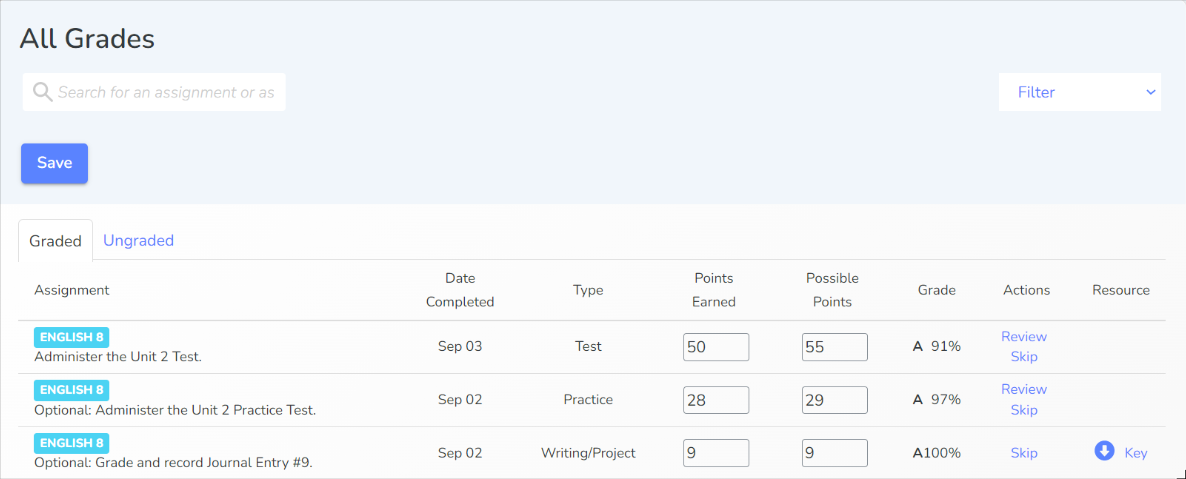
Use the filter bar to only see assignments in a specific category.
Skipping an Assignment
Skipping an assignment moves the assignment from the Graded tab to the Ungraded tab and the assignment no longer counts towards the course grade. Click on the Ungraded tab and Unskip to return an assignment to the Graded tab for inclusion in the course grade.