The Settings page allows admins to view information about the organization, control parent access, set a unique organization site with your own logo, and reset the Class Connect account.
Parent Settings
Access Code
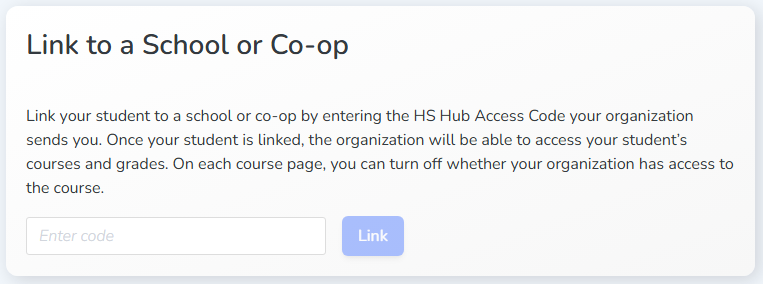
When parents and students already have a Homeschool Hub account, the access code can be used to send to parents, and they will connect their student(s) to the organization. Distribute the code, and the parents will link the student in the Student Profile.
Organizations can control if the parent can grade for that student. Turning off this setting will turn off grading for the parent and will apply to all courses of the student, no matter who purchased the courses.

If the organization requires greater control, then the organization can be configured to manage students and add the parent and student accounts.
Note: The parent and student accounts will be a brand new accounts and require a unique email/username.
Additionally, if the parent still needs to maintain grading access to their other Homeschool Hub courses, parents can create a second account for the student to connect to the organization. The organization can then limit the parent grading where it would only affect the courses assigned to that new student account.
Parent Access
The Default Parent Access controls what role all parents have that the organization has created. The default access can be overwritten either when setting up a parent or in the quick view of a student.

Available Levels of Parent Access
Full Access
No Grading
Grading Only - Allows access to grade online quizzes and tests but no other grading inputs
View Only